BIMMERCODE VARNA · SMARTPHONE INTEGRATION

Apple CarPlay and Android Auto
for your BMW

Navigation, music and calls from your phone on the original display. Factory activation, software-only Android Auto for NBT Evo, or an interface module, depending on your multimedia system.

We check the VIN and iDrive version to identify the right solution for your BMW and phone.

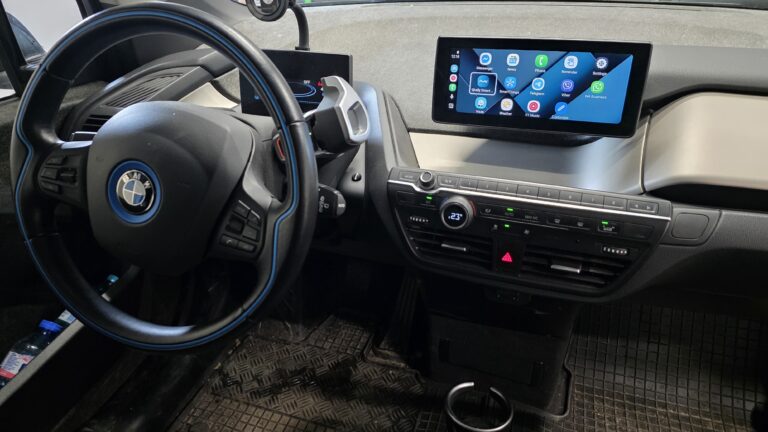
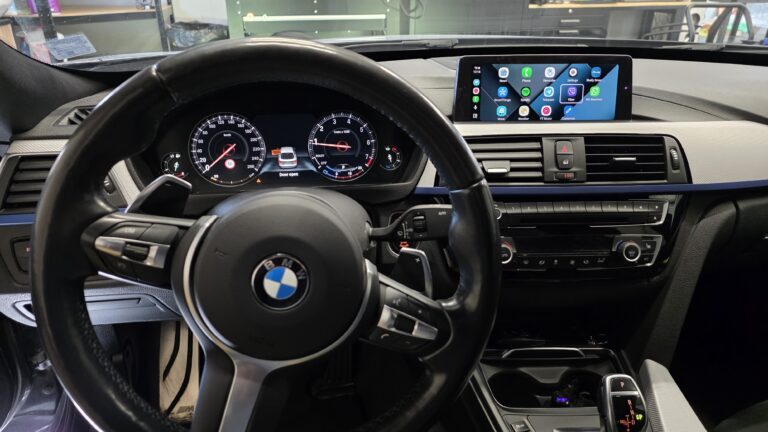
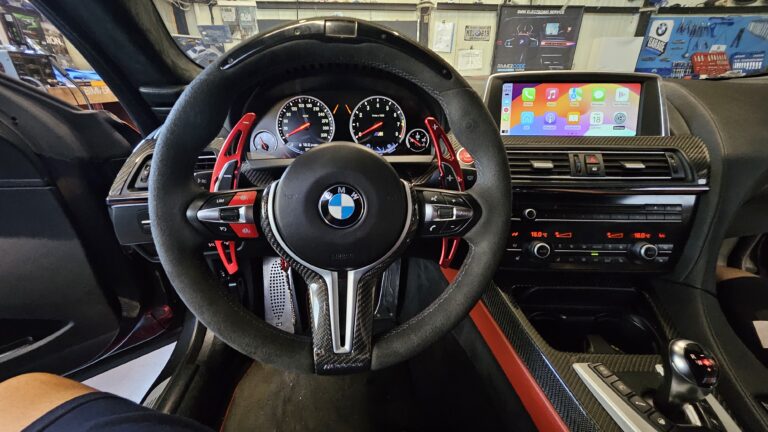
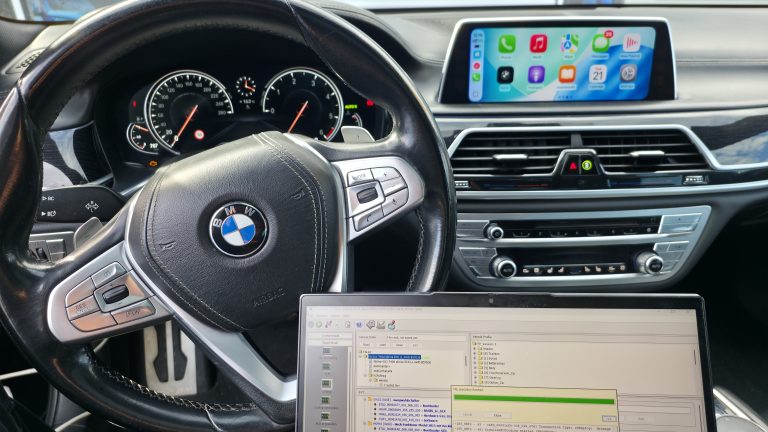
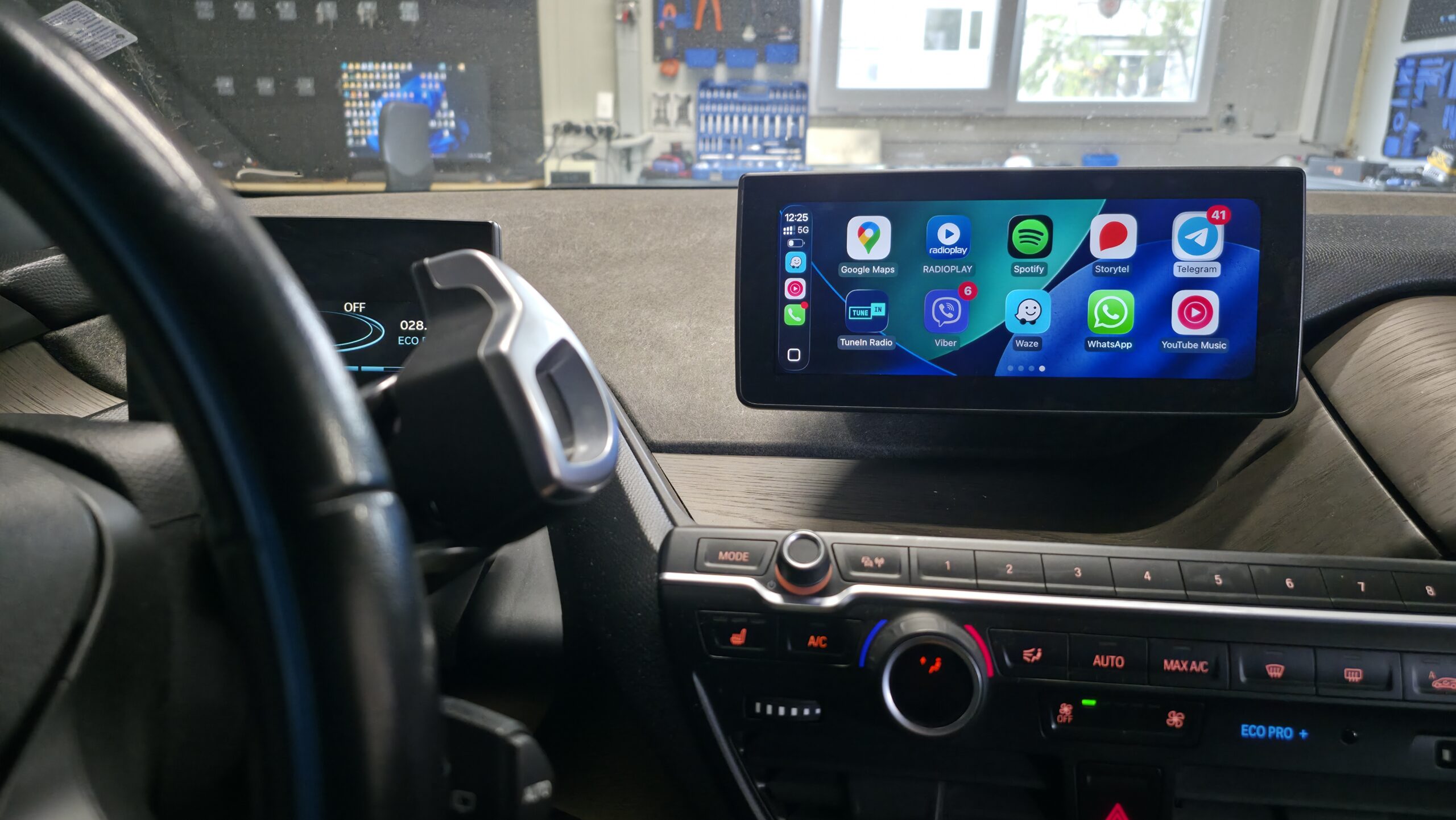
Apple CarPlay on a BMW i3 display at BimmerCode Varna
Completed project: Apple CarPlay on the original BMW i3 display.
Apple CarPlay logoApple CarPlay
Android Auto iconAndroid Auto logo

Software activation or an interface module?

The solution depends on the multimedia system, as well as the vehicle model and year.

Factory activation

Where the system supports the function, it runs directly through the original multimedia unit. We check the hardware, software version and required equipment, including the Wi-Fi antenna.

CarPlay and Android Auto compatibility are checked separately. Having one function does not mean the other can be added through coding alone.
CarPlay / Android Auto interface module

Where a software solution is not applicable, we install a compatible interface module. The original display and BMW menu are retained, with switching between the two systems.

The module is matched to CIC, NBT, NBT EVO or the relevant system. We confirm phone connectivity, audio integration and controls before installation.

Android Auto iconAndroid Auto logo

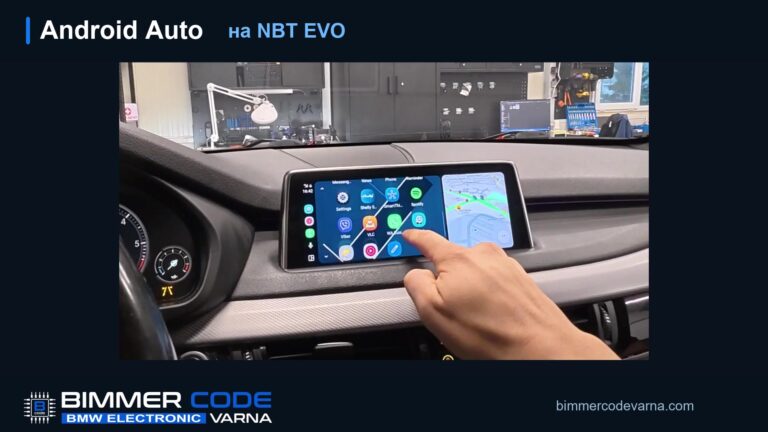
Android Auto for NBT Evo — no additional module

We offer software-only Android Auto activation on the original NBT Evo navigation system. No additional interface module is installed and the original display is retained.

  • Integration with the original NBT Evo system.
  • Working touch controls on vehicles with an original touchscreen display.
  • Compatible Android Auto apps on the vehicle display.

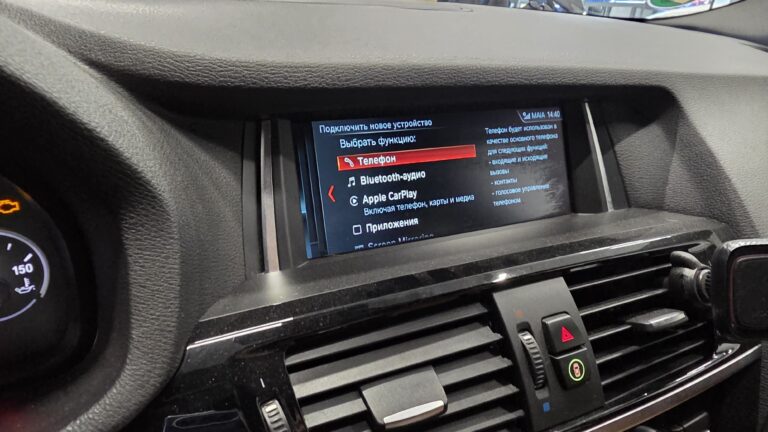
Compatibility is checked against the head unit, software version and fitted display. Send your VIN and a photograph of the iDrive menu.

View the completed project and demonstration (BG) →

Workshop demonstration: Android Auto on NBT Evo with touchscreen operation.

Waze and Google Maps directions in the HUD and instrument cluster

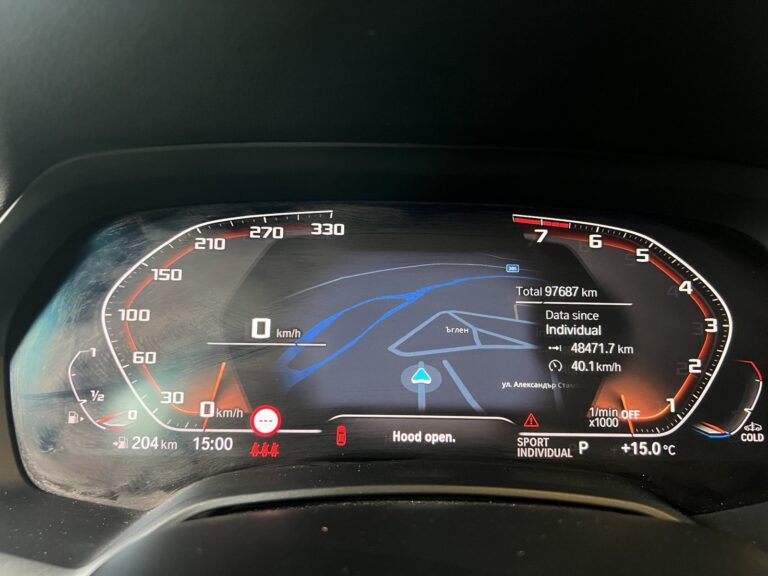
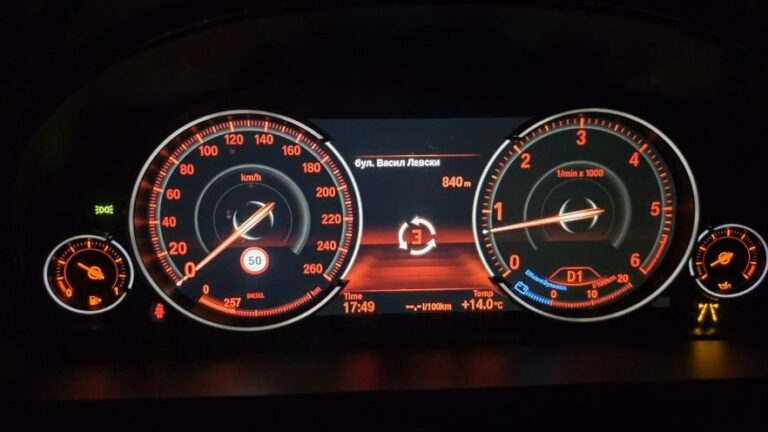
Navigation directions from Waze and Google Maps on the original Head-Up Display and instrument cluster in a BMW with NBT Evo, through Apple CarPlay and Android Auto.

This is a software-only solution, without an additional interface module. Compatibility depends on the NBT Evo version, software, fitted equipment and app. Displaying directions in the HUD requires an original Head-Up Display.

View the project and video demonstration (BG) →

Original vehicle functions are retained

BMW menu and settings

You retain access to the original iDrive menu, vehicle information and service intervals.

iDrive and steering wheel controls

Operation through the iDrive controller and supported steering wheel buttons. Touchscreen support depends on the display and module.

Parking and audio

The factory parking sensors, camera and audio system are retained. After installation, we check the picture, sound and switching between systems.

What we check for compatibility

Multimedia systemHead unit type, iDrive version, display and fitted equipment. A menu photograph alone may not provide enough information.
Apple CarPlayFor iPhone. Factory activation on a compatible system, or an interface module for earlier multimedia units.
Android AutoFor compatible Android phones. Software-only activation is available for compatible NBT Evo systems. Interface module options depend on the multimedia unit.
ConnectivityWireless or USB, depending on the solution and phone. Wireless operation uses Bluetooth and Wi-Fi.
Audio and microphoneAudio integration and microphone configuration depend on the vehicle and interface.
AppsWaze, Google Maps, Spotify and other compatible apps. Available functions depend on the phone, app and service.

Compatibility check, activation and setup

01 · COMPATIBILITY

VIN and multimedia system

Send your VIN, a photograph of the main menu and your phone model. We confirm the solution, price and time required.

02 · INSTALLATION

Activation or installation

We activate the supported function or install a compatible module, then configure the audio and phone connection.

03 · TEST WITH YOUR PHONE

Testing and handover

We test navigation, music, calls and controls, then show you how to connect your phone and return to the BMW menu.

Does the display need replacing?

Factory activation and compatible interface modules retain the original display. If your vehicle requires a different solution, we explain this before starting work.

I have CarPlay. Can you add Android Auto?

For compatible NBT Evo systems, we offer software-only Android Auto activation without an additional module. Availability is checked against the head unit and software version. Other systems require a separate compatibility check.

Does it mirror the entire phone screen?

CarPlay and Android Auto display supported apps in a vehicle interface. They do not freely mirror the entire phone screen.

Which solution is right for your BMW?

Send your VIN, a photograph of the iDrive menu and your phone model. We will check compatibility and provide a specific quote.

Project reports are currently available in Bulgarian.