
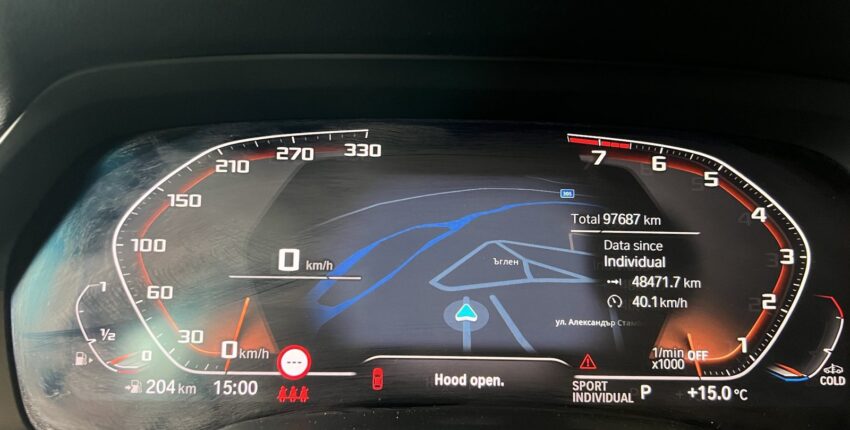
BMW G05 with iDrive 7 Apps, Waze on Cluster and HUD. Additional apps, vehicle data and settings on the original BMW infotainment system, without replacing the display.
Waze on the instrument cluster and HUD
This BMW X5 G05 displays the phone navigation map directly on its digital instrument cluster. Waze on Cluster works with the original iDrive 7 system. Experimental HUD support also brings navigation to the head-up display on compatible equipment and software.
The project supports Waze, Apple Maps and Google Maps through Apple CarPlay; Android Auto supports Google Maps. Available features are checked for each vehicle before installation.
Project video
More apps for the original iDrive 7
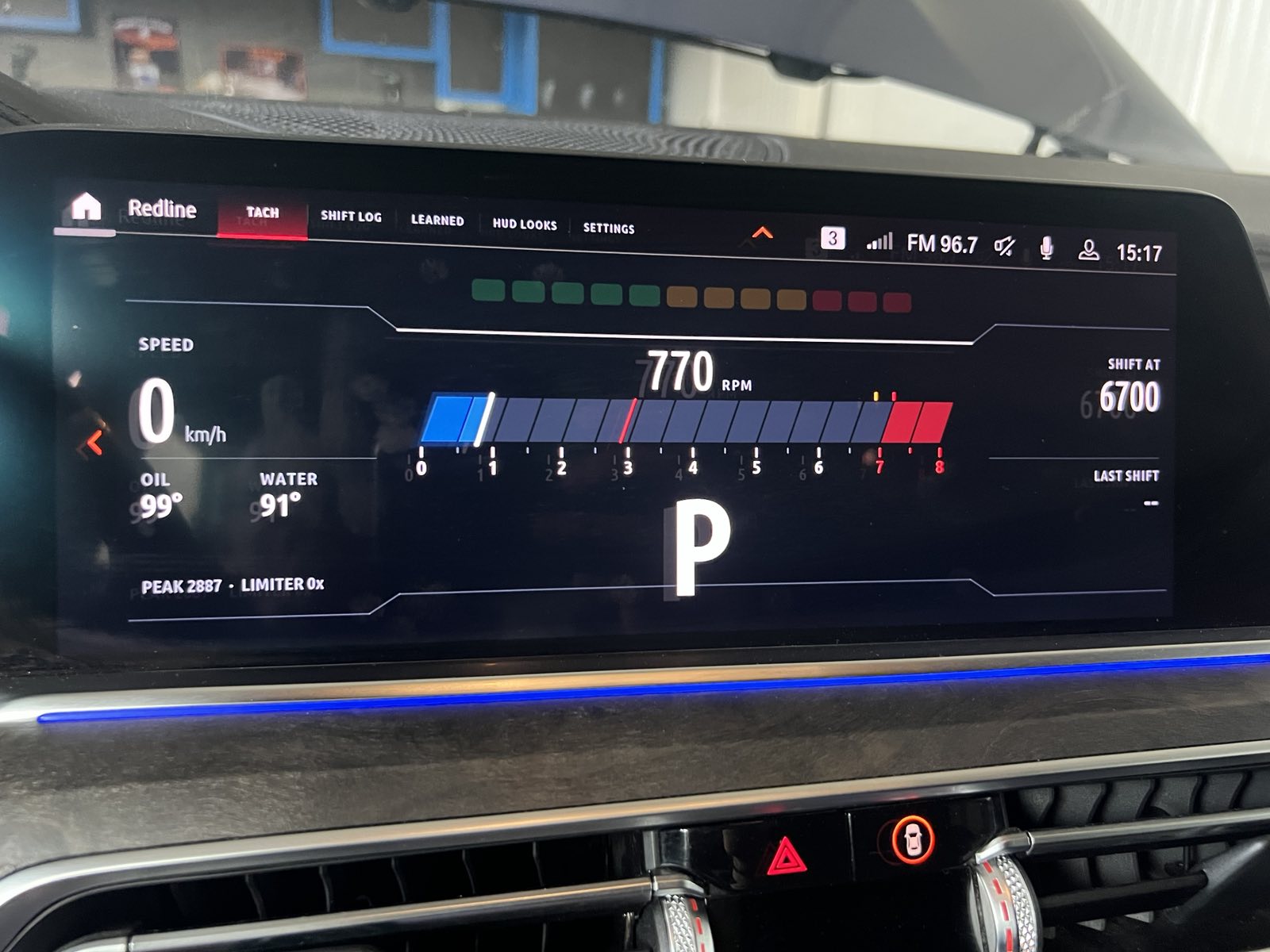
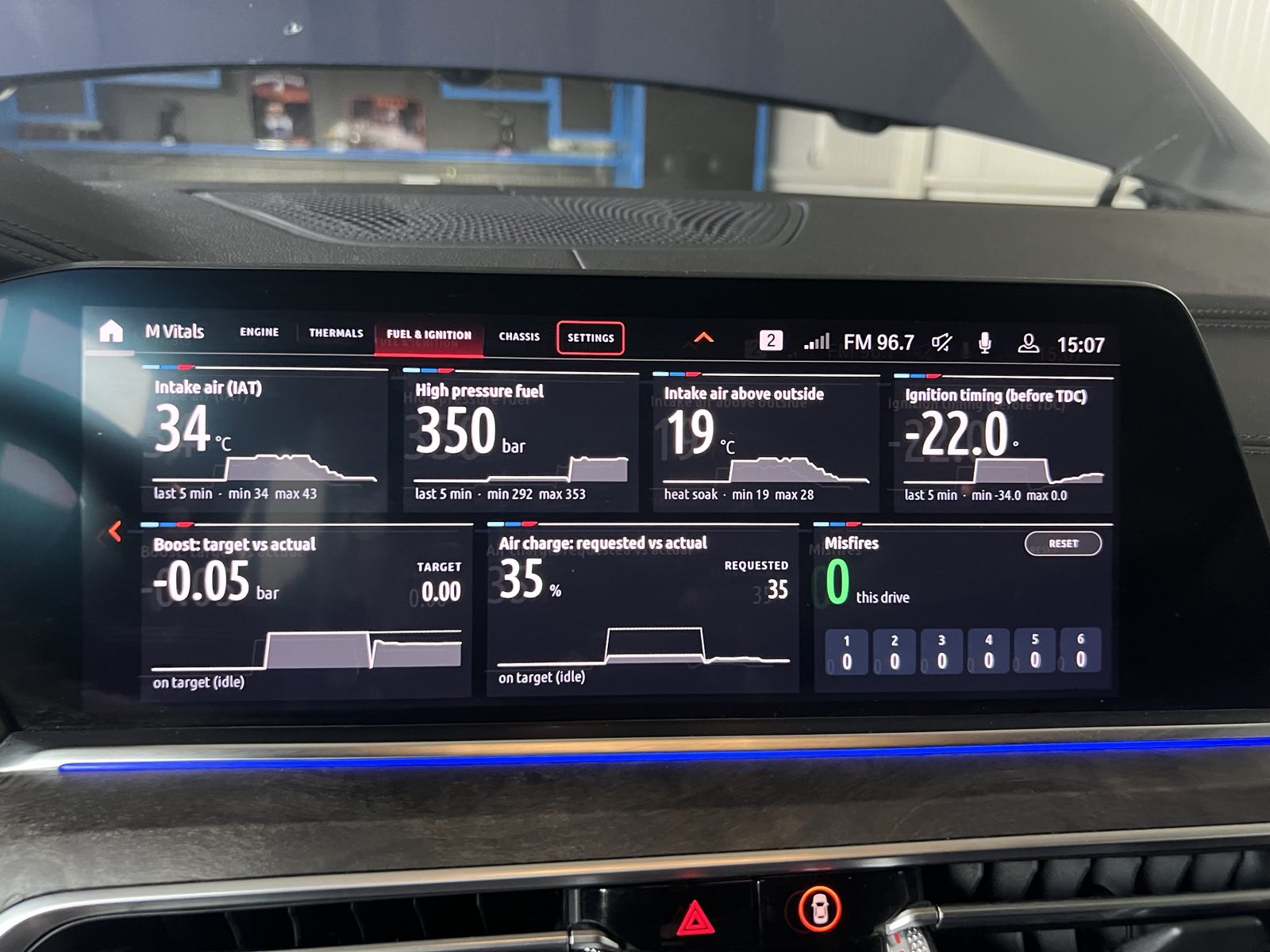
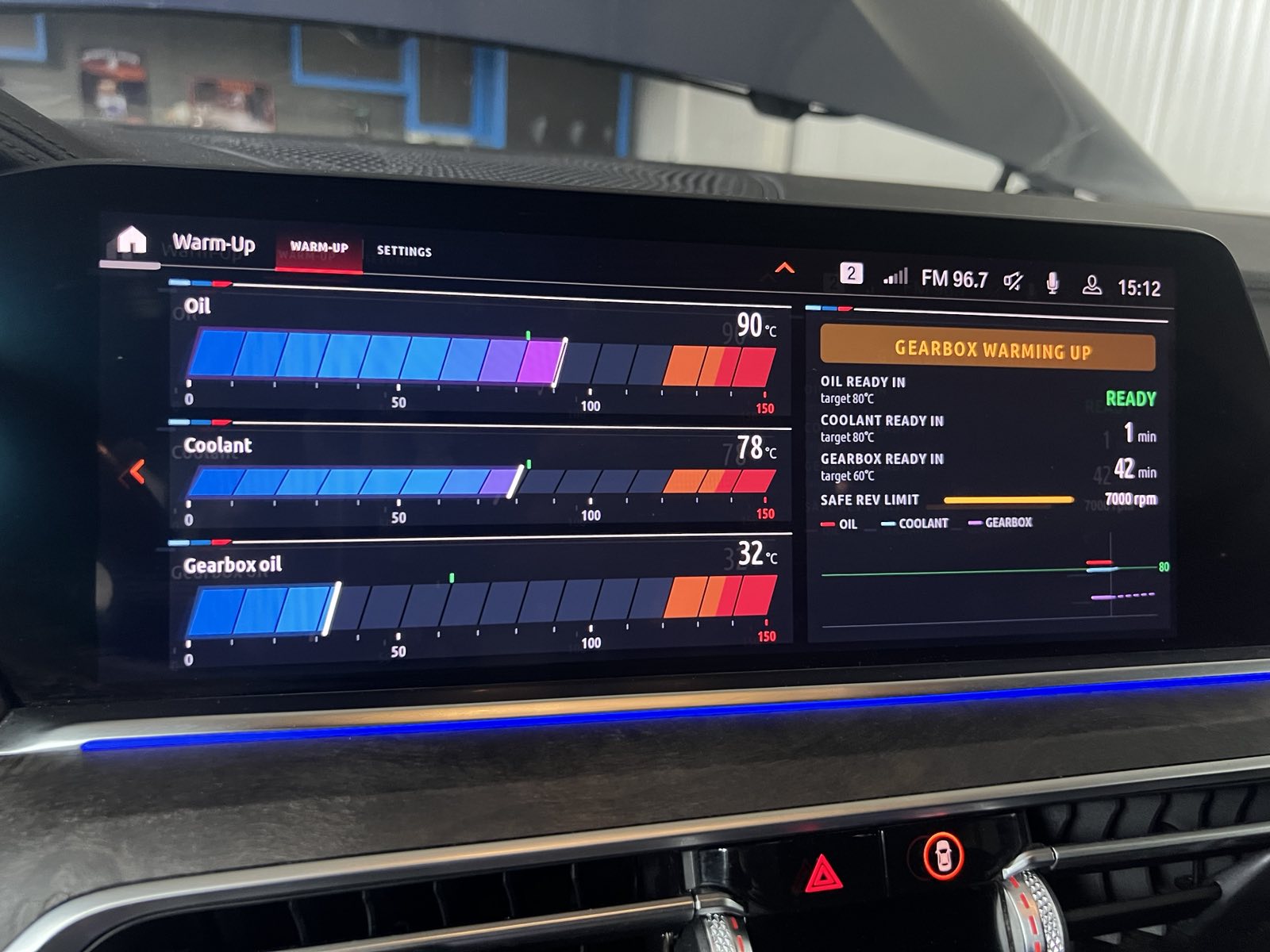
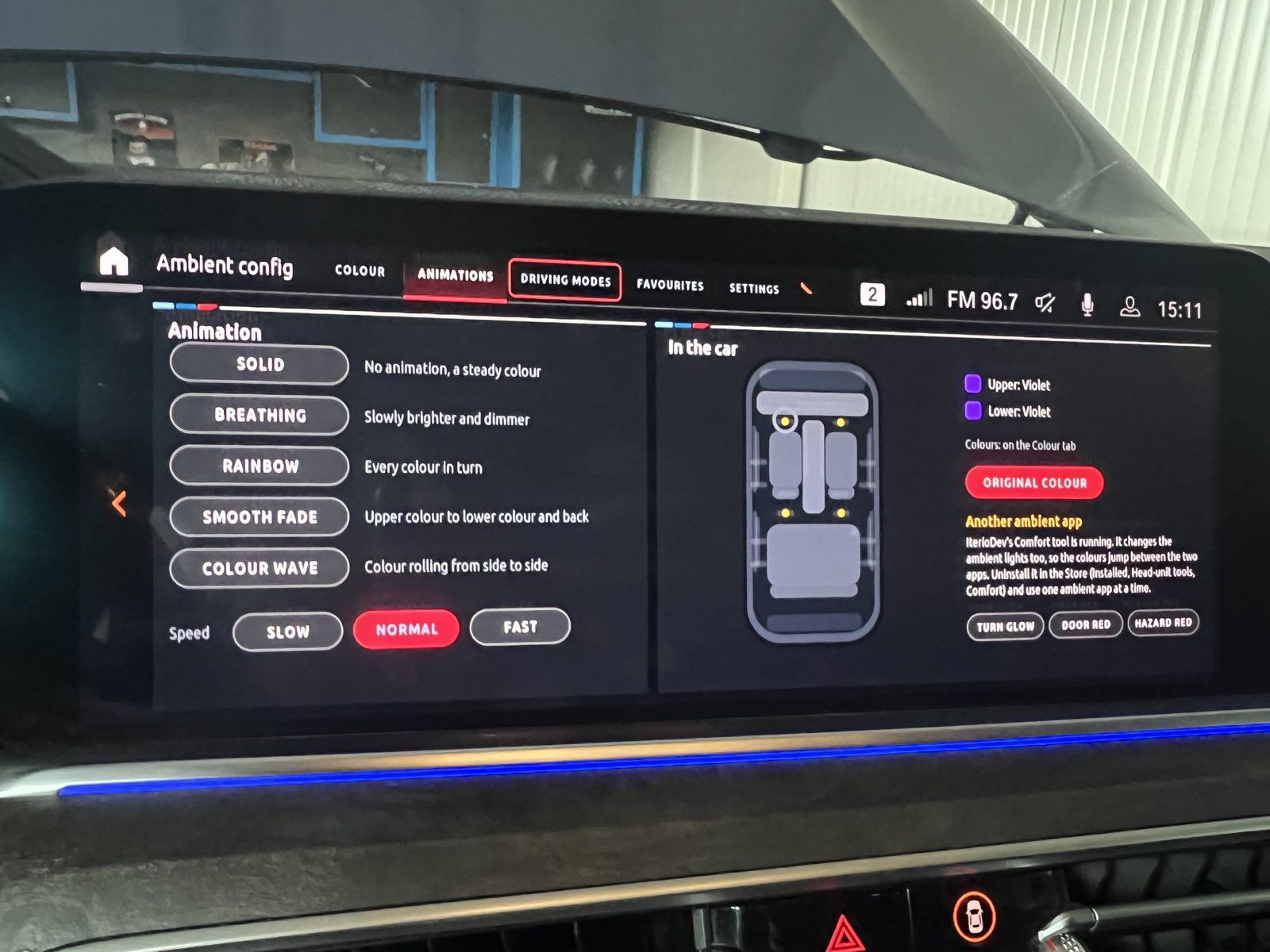
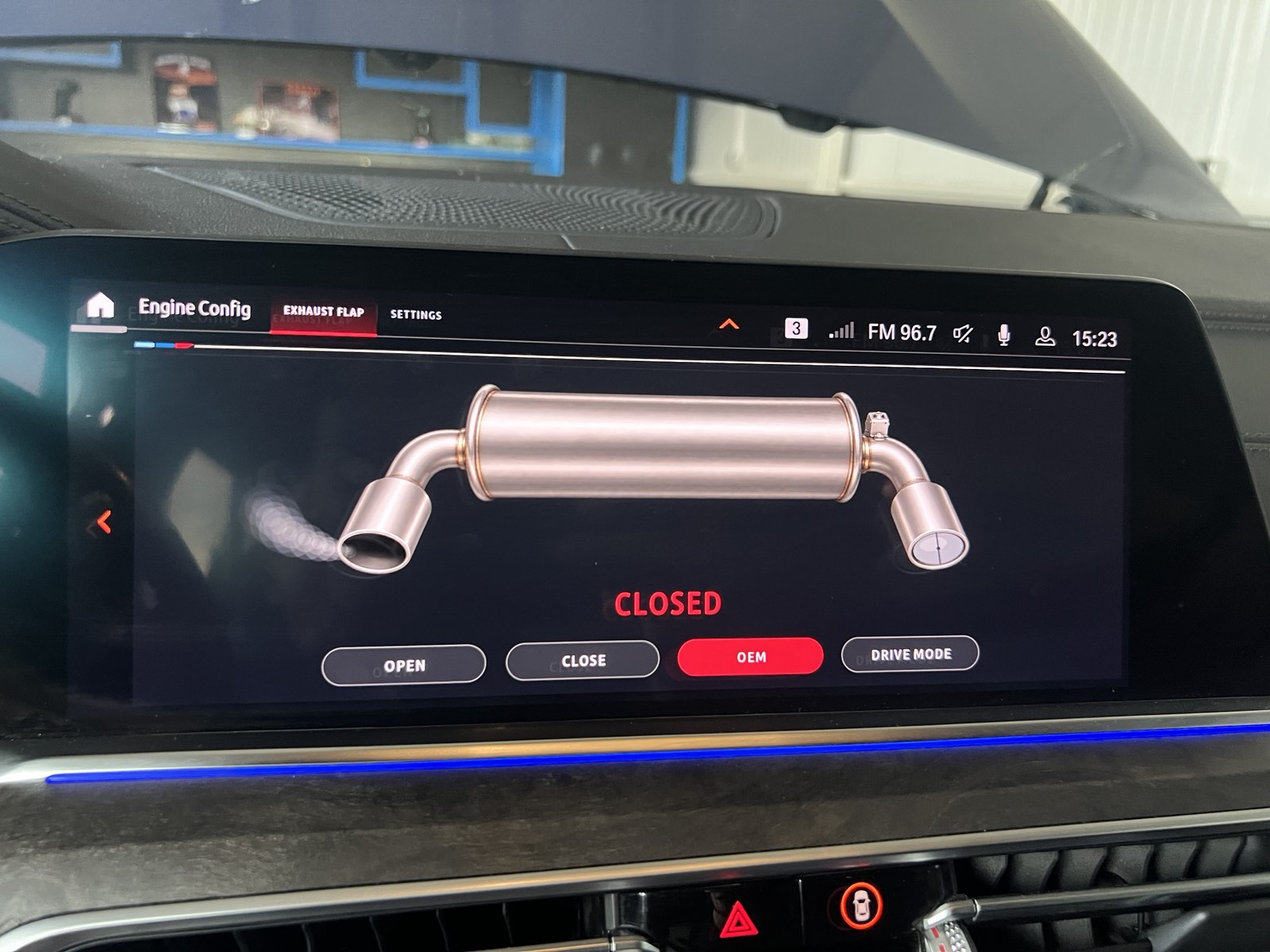
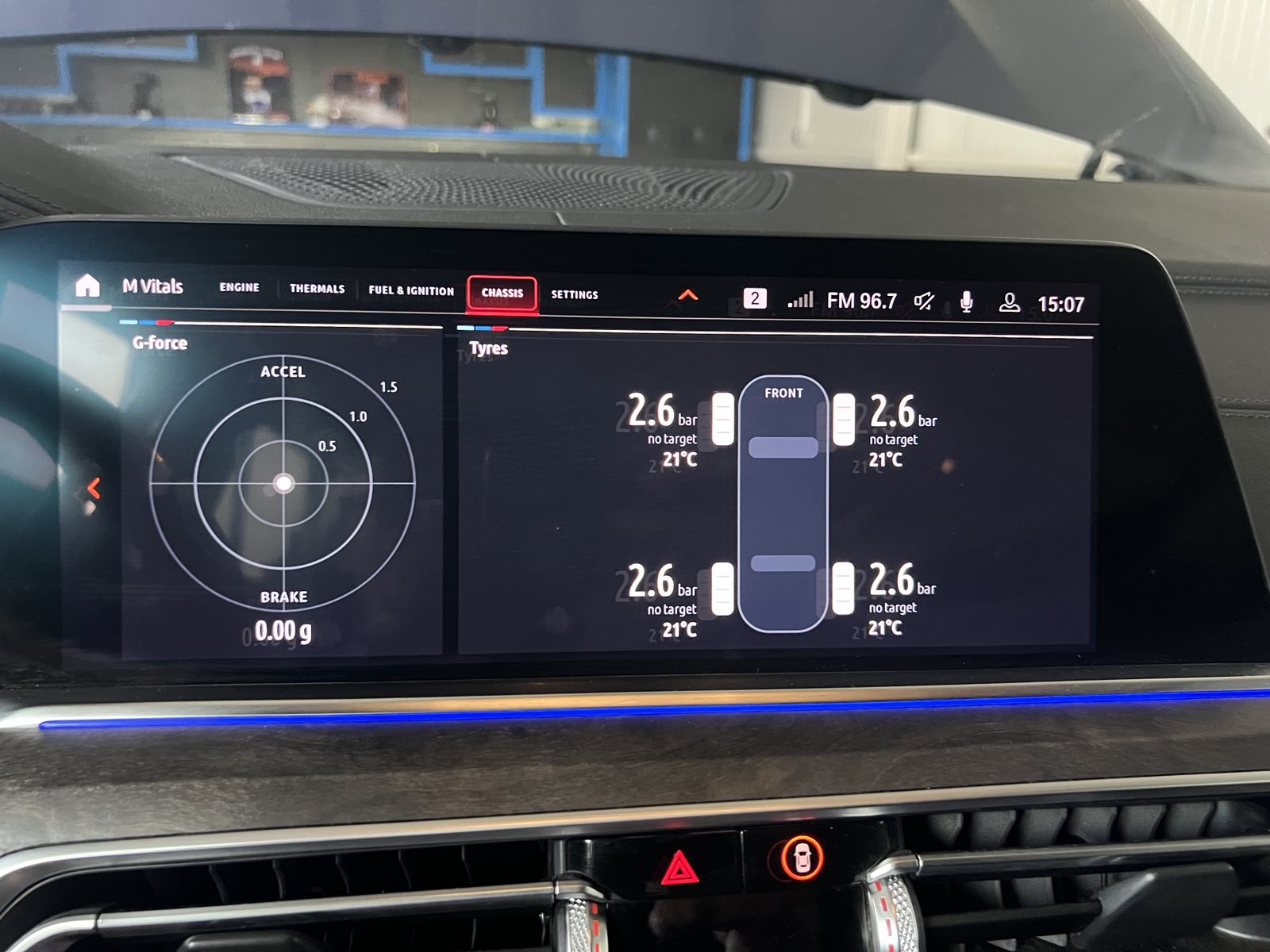
The photos show Redline, M Vitals, Warm-Up, Ambient Config and Engine Config on this G05. They provide additional vehicle information and settings through the original BMW display.
Compatibility and installation
These apps are intended for compatible BMW vehicles with MGU / iDrive 7, rather than NBT or NBT EVO. Functions and available data depend on the vehicle, equipment and software version.
Explore the full iDrive 7 Apps and Waze on Cluster catalogue . Contact us for a compatibility check and help with installation.
Open-source projects and authors
This installation uses the open-source projects iDrive7 Apps by cauliflowermossgrape and Waze on Cluster / iDrive Apps by Robert Nisipeanu . Credit goes to the original authors and contributors. These are independent community projects, not official BMW applications.
You can install the apps yourself by following the authors’ documentation. If you run into difficulties or prefer professional installation, we can take care of it for you.
Have a similar project in mind?
Contact us with your BMW model, year and the changes you would like to make.